
Transform Your Space: The Ultimate Game Room Renovation Guide
Create the ultimate gaming sanctuary in your home

Preparing for Renovation
1
Clear the Space
Remove old flooring, fixtures, and furniture
2
Assess Layout
Evaluate walls for open-concept design possibilities
3
Plan Modifications
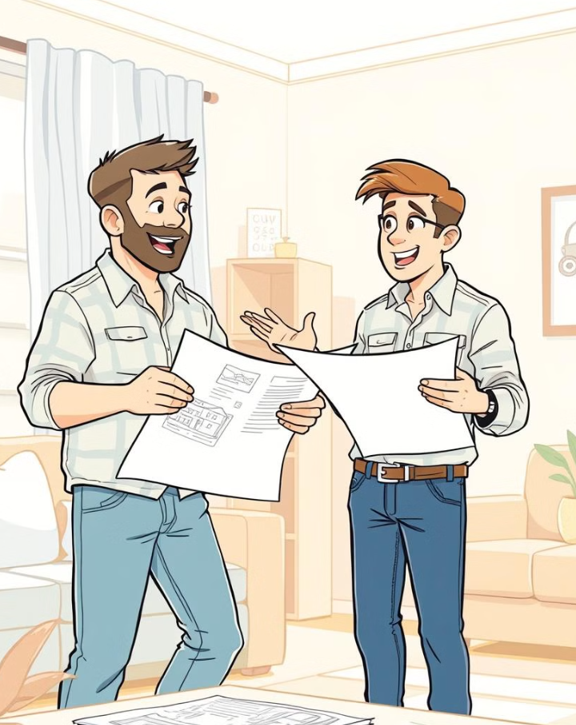
Create blueprint for structural changes and additions
Structural Modifications
1
Wall Removal
Create open-concept layout for spacious gaming area
2
Support Beams
Install necessary structural support for modified layout
3
Ceiling Alterations
Adjust ceiling height for optimal acoustics
4
Electrical Rewiring
Update wiring to support high-tech gaming systems
Insulation and Soundproofing
Thermal Insulation
Install R-30 fiberglass batts in wallsAdd reflective barrier in ceiling
Acoustic Treatment
Apply soundproofing foam to walls
Install bass traps in corners
Vibration Control
Use resilient channels for drywall mountingInstall floating floor system
Flooring Selection
1.
Durability
Choose materials resistant to heavy foot traffic
2.
Easy Maintenance
Select flooring that's simple to clean
3.
Comfort
Consider options that provide cushioning for long gaming sessions
4.
Aesthetics
Pick flooring that complements your game room theme

Flooring Installation
1
Subfloor Preparation
Level and clean subfloor for proper installation
2
Underlayment
Install moisture barrier and sound-dampening underlayment
3
Flooring Application
Lay chosen flooring material according to manufacturer specifications
4
Finish Work
Install baseboards and transition strips for polished look
Smart Lighting Installation
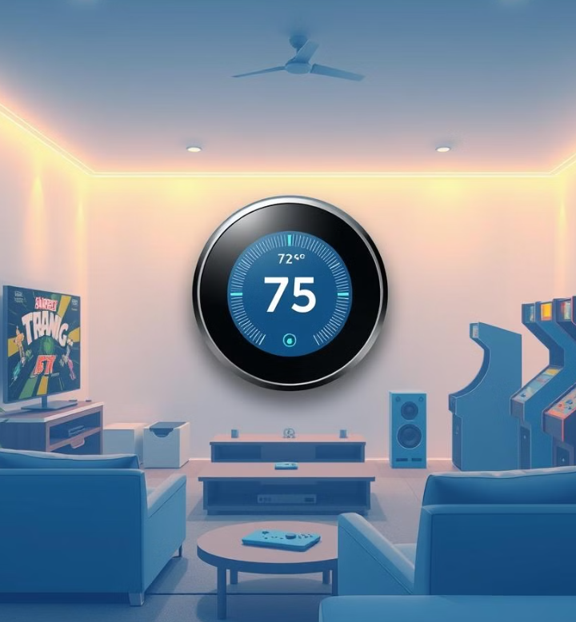
Smart Thermostat Integration
- Energy Efficiency
- Zoning System
- Remote Access
- Learning Capabilities
Energy Efficiency
Install programmable smart thermostat for optimal temperature control
Zoning System
Set up multi-zone cooling for personalized comfort
move dust particles.
Remote Access
Enable smartphone app for temperature adjustments from anywhere
Learning Capabilities
Utilize AI-powered thermostat to adapt to usage patterns
Comfortable Seating Options

1
Gaming Chairs
Ergonomic design for long gaming sessions

2
Gaming Sofas
Multi-functional seating for group play
3
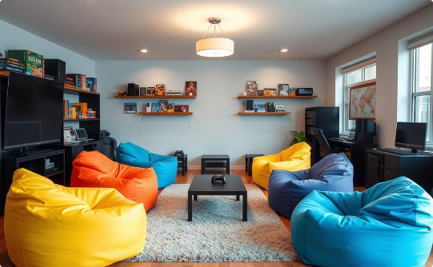
Bean Bags
Casual seating options for relaxed gaming
Entertainment System Setup
1
Screen Installation
Mount large 4K OLED TV or projector screen
2
Audio Configuration
Set up 7.1 surround sound system with subwoofer
3
Gaming Consoles
Connect multiple gaming platforms to entertainment center
4
Calibration
Fine-tune audio and video settings for optimal performance
Built-in Storage Solutions
Wall-Mounted Shelves
Install floating shelves for game display
Add LED lighting for dramatic effect
Media Center
Build custom entertainment unit with ample storageInclude cable management system
Hidden Storage
Construct under-seat storage in gaming sofasInstall pull-out drawers for accessories
Interactive Displays
1
Touchscreen Monitors
Install interactive displays for collaborative gaming
2
Virtual Reality Setup
Designate VR play area with safety boundaries
3
Augmented Reality Integration
Set up AR-compatible spaces for immersive experiences
4
Motion Sensor Games
Install motion tracking cameras for full-body gaming
Gaming System Integration
1.
PC Gaming
Set up high-performance gaming rig
2.
Console Gaming
Install multiple console platforms for variety
3.
Retro Gaming
Incorporate classic consoles and arcade machines
4.
Network Setup
Ensure high-speed wired and wireless connections

Childproofing Measures
Furniture Anchoring
Secure heavy furniture to walls to prevent tipping
Safety Locks
Install childproof locks on cabinets and drawers
Corner Guards
Add soft corner protectors to sharp edges
Cable Management
Conceal and secure all electrical cords and cables
Thematic Design Elements

1
Wall Art
Install themed murals or framed game posters
2
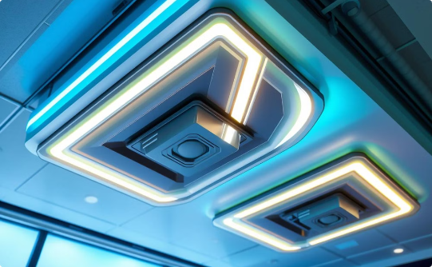
Lighting
Add themed light fixtures for ambiance
3
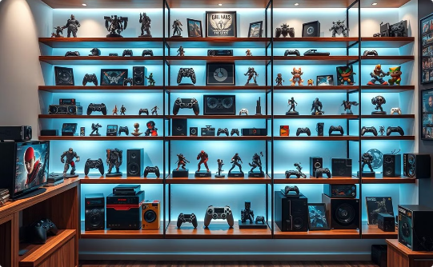
Collectibles
Display gaming memorabilia and figurines
Accessibility Considerations
1
Wide Pathways
Ensure 36-inch clearance for wheelchair access
2
Adjustable Furniture
Install height-adjustable gaming stations
3
Adaptive Controllers
Provide specialized gaming controllers for different abilities
4
Visual Aids
Incorporate high-contrast signage and lighting
Permit Acquisition
1.
Research
Investigate local building codes and requirements
2.
Application
Submit detailed plans to local authorities
3.
Review
Address any concerns or requested modifications
4.
Approval
Obtain necessary permits before starting work
Code Compliance
Electrical
Install GFCI outlets near water sourcesUse proper gauge wiring for high-load devices
Fire Safety
Install smoke detectors and fire extinguishers
Use fire-resistant materials where required
Ventilation
Ensure proper air circulation for equipment coolingInstall exhaust fans if necessary
Debris Removal
Sorting
Separate recyclable materials from general waste
Hazardous Materials
Properly dispose of paint and chemical waste
Dumpster Rental
Arrange for on-site waste container during renovation
Recycling
Transport recyclable materials to appropriate facilities
Final Cleaning
1
Dust Removal
Thoroughly vacuum and wipe down all surfaces
2
Floor Cleaning
Deep clean and polish new flooring
3
Window Washing
Clean windows and mirrors for sparkling finish
4
Air Purification
Run air purifiers to remove construction particles
Quality Inspection
- Structural Integrity
- Electrical Systems
- AV Equipment
- Safety Features
Structural Integrity
Verify all modifications are secure and stable
Electrical Systems
Test all outlets, switches, and fixtures
AV Equipment
Ensure proper function of entertainment systems
Safety Features
Confirm childproofing and accessibility measures
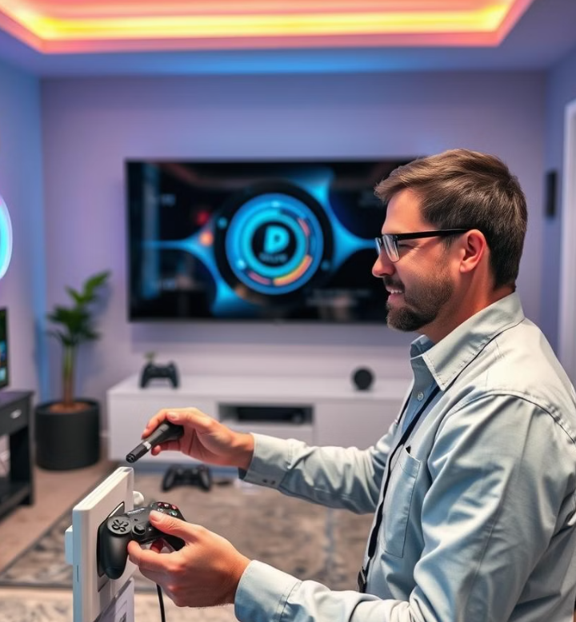
Compliance Verification
01
Code Check
* Ensure all work meets local building codes
Certification
* Obtain final approval and occupancy certificate
Documentation
* Collect all warranties and manuals for installed items
01
Photo Documentation
* Take detailed photos of completed work
Furniture Arrangement
Gaming Zones
Create dedicated areas for different gaming types
Ensure proper viewing distances for screens
Traffic Flow
Arrange furniture to allow easy movement
Consider space for VR and motion gaming
Socializing Spaces
Include areas for non-gaming activities
Set up a snack bar or mini-fridge area
Lighting Adjustments

1
Daytime Mode
Bright, even lighting for casual gaming
2
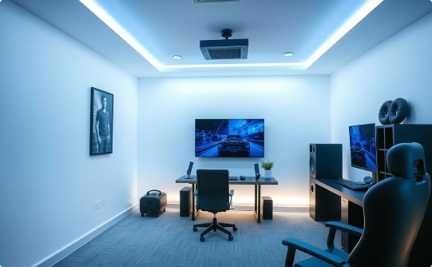
Gaming Mode
Dimmed ambient lighting for immersive experience
3
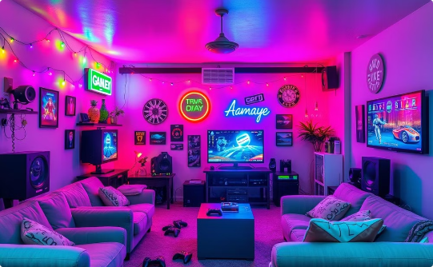
Party Mode
Colorful accent lighting for social gatherings
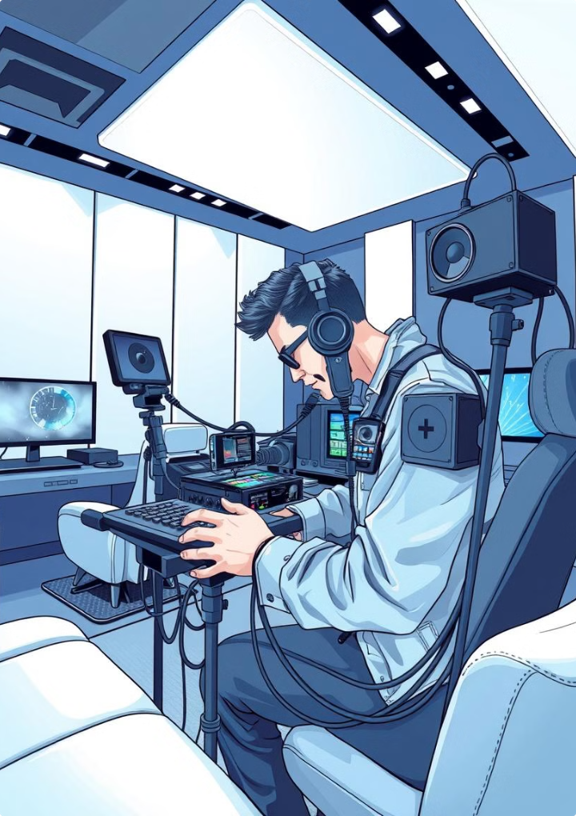
Acoustic Testing
1.
Sound Levels
Measure decibel levels at various points in room
2.
Reverberation
Test echo and sound decay in the space
3.
Bass Response
Analyze low-frequency performance of audio system
4.
Soundproofing Efficacy
Verify noise reduction between rooms
Climate Control Fine-Tuning
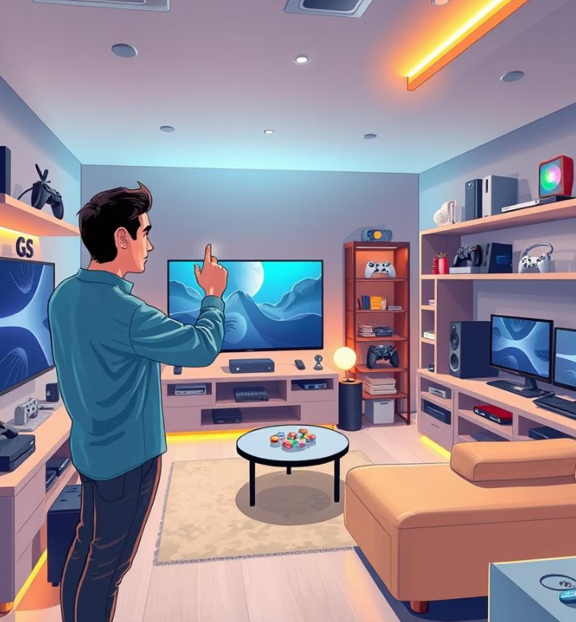
- Temperature Mapping
- Airflow Adjustment
- Humidity Control
- Automated Scheduling
Temperature Mapping
Identify hot and cold spots in room
Airflow Adjustment
Optimize HVAC vents for even distribution
Humidity Control
Set ideal humidity levels for equipment preservation
Automated Scheduling
Program smart thermostat for energy efficiency
Final Touches
1
Personal Items
Add family photos or personal gaming achievements
2
Plants
Incorporate low-maintenance plants for natural ambiance
3
Throw Pillows
Add comfortable, themed pillows to seating areas
4
Scent
Use air fresheners for a pleasant gaming atmosphere
User Manual Creation
System Operations
Detail how to use entertainment systems
Include troubleshooting tips
Maintenance Schedule
Outline regular cleaning and upkeep tasks
List recommended service intervals
Safety Guidelines
Provide rules for safe gaming practices
Include emergency contact information
Grand Reveal
01
Celebration
Host a game night to inaugurate the space
01
Documentation
Capture reactions and first impressions on video
01
Feedback
Gather initial thoughts from family and friends
01
Share
Post before-and-after photos on social media
Future-Proofing
Expandability
Leave room for future gaming technology additions
Upgrade Path
Plan for easy updates to AV and gaming systems
Flexible Design
Use modular furniture for adaptable layouts
Tech Integration
Install smart home features for seamless control